
Conference Room Scheduling
Make it easy to find, reserve, and manage meeting spaces across the workplace.
CadapultFM Conference Room Scheduling helps organizations simplify room booking, reduce scheduling conflicts, manage room capacity and services, and improve visibility into meeting space usage through one connected platform.
Why Conference Room Scheduling Matters
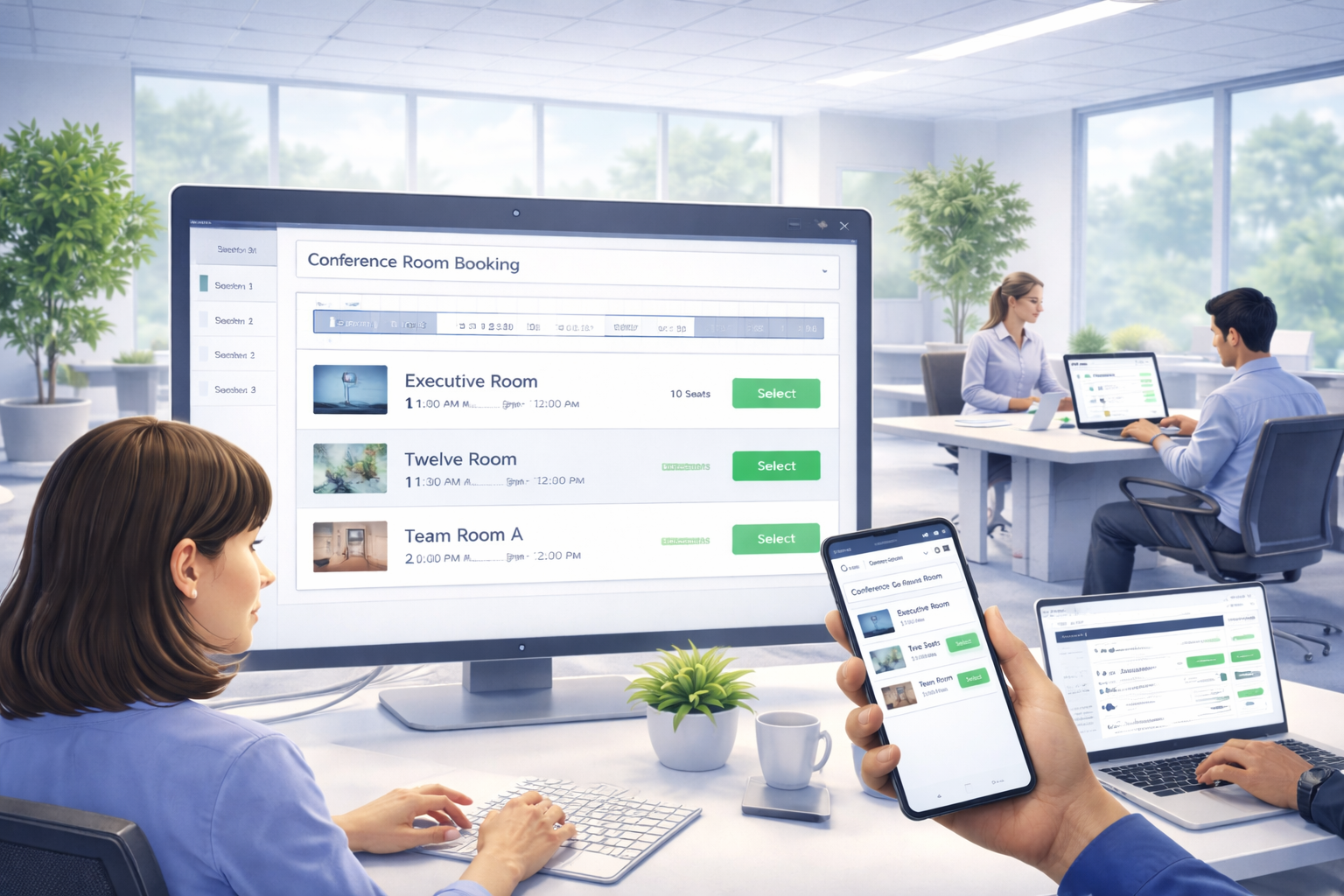
Better room scheduling helps organizations reduce booking conflicts, improve meeting planning, and make smarter use of conference spaces and shared resources.
Reduce Scheduling Conflicts
Help users reserve rooms in real time and avoid overlapping or ghost meetings.
Improve Meeting Planning
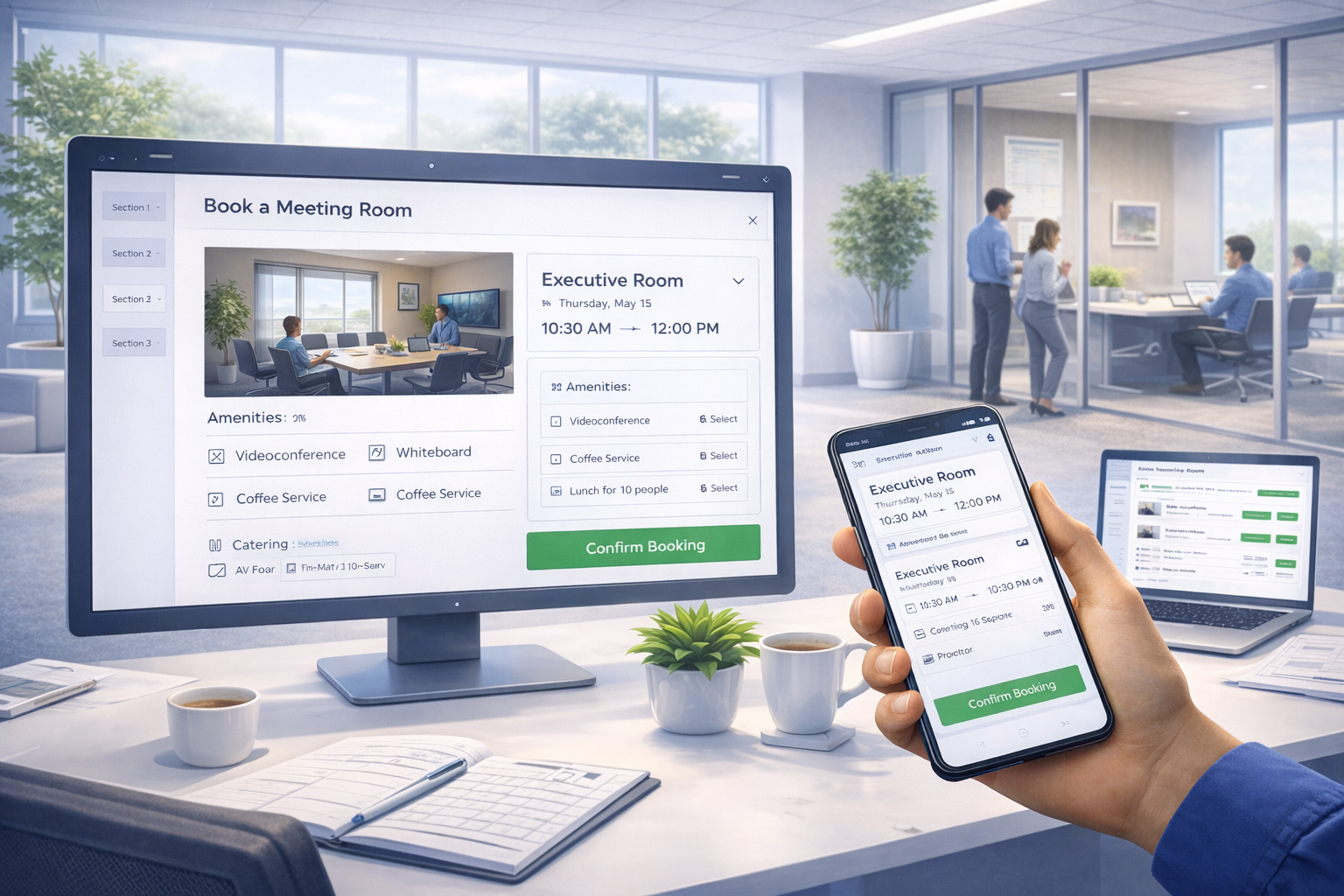
Support room capacity, equipment needs, catering, and setup requirements in one workflow.
Increase Room Visibility
Make it easier to find the right room based on location, size, and meeting requirements.
Optimize Space Usage
Use room scheduling data and utilization insights to improve workplace planning over time.
Flexible Booking
Find and reserve the right room, resources, and services.
CadapultFM Room Scheduler helps users search for meeting spaces based on capacity, room features, equipment, supplies, and service needs. Reservations can be made in real time, including recurring bookings, to reduce conflicts and improve scheduling accuracy.
General staff and meeting coordinators can reserve rooms more easily while keeping approvals, availability, and room requirements organized in one place.
Core Conference Room Scheduling Capabilities
Give employees, coordinators, and workplace teams an easier way to reserve rooms, manage services, and improve meeting space visibility.
CadapultFM Conference Room Scheduling supports real-time room reservations, recurring bookings, interactive floor plans, room capacity controls, approvals, service coordination, and reporting to help organizations manage meeting spaces more effectively.
Interactive Floor Plans
Visualize the workplace as users explore and reserve rooms.
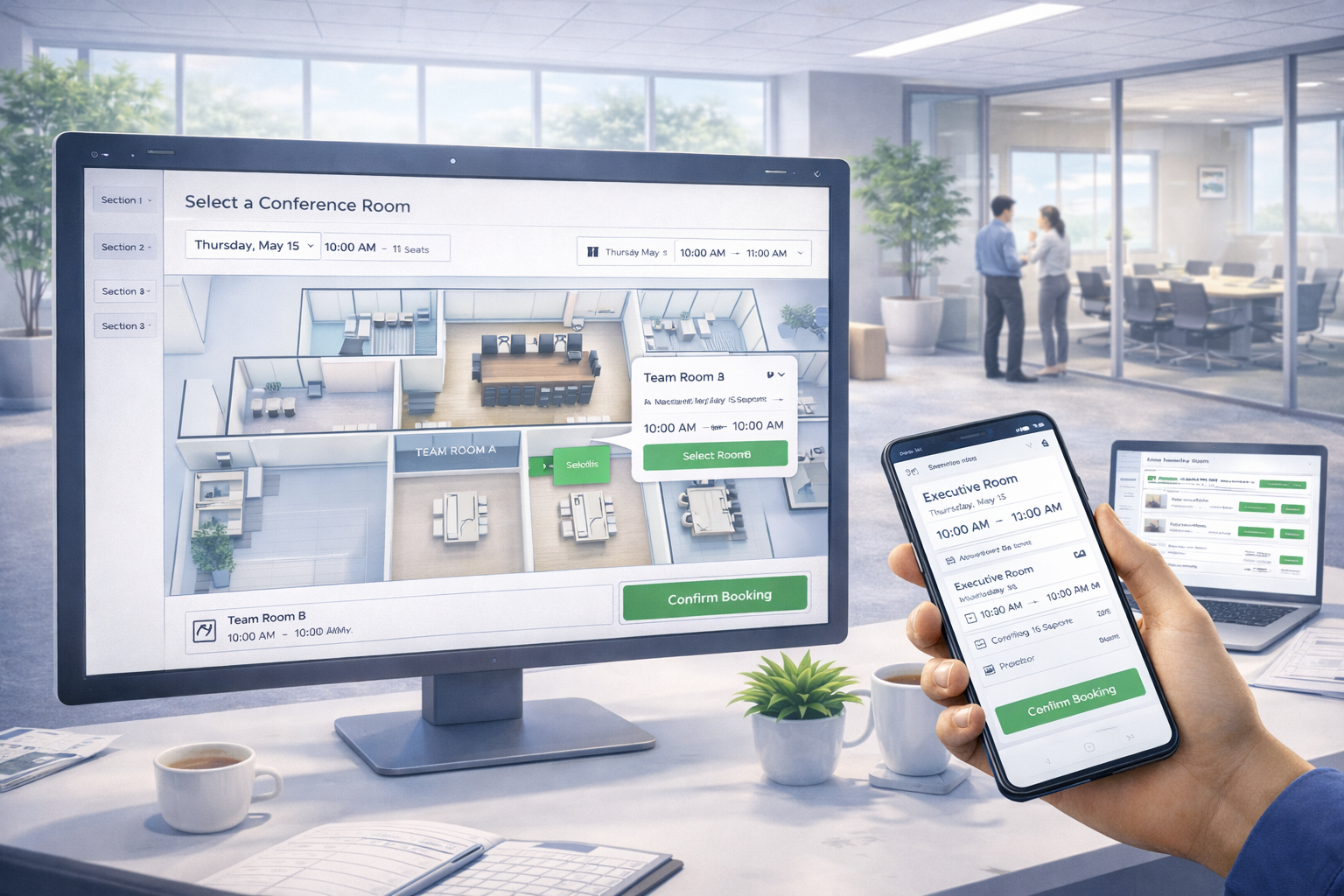
Interactive floor plans make it easier to locate meeting spaces, view room context, and choose the best option for each meeting. Integrated room selection helps users understand where spaces are and reduces friction during the booking process.
Room setup requirements, approvals, and connected service workflows can also be managed more efficiently when room selection is tied directly to floor plan visibility.
Room Analytics
Turn room scheduling activity into better planning decisions.
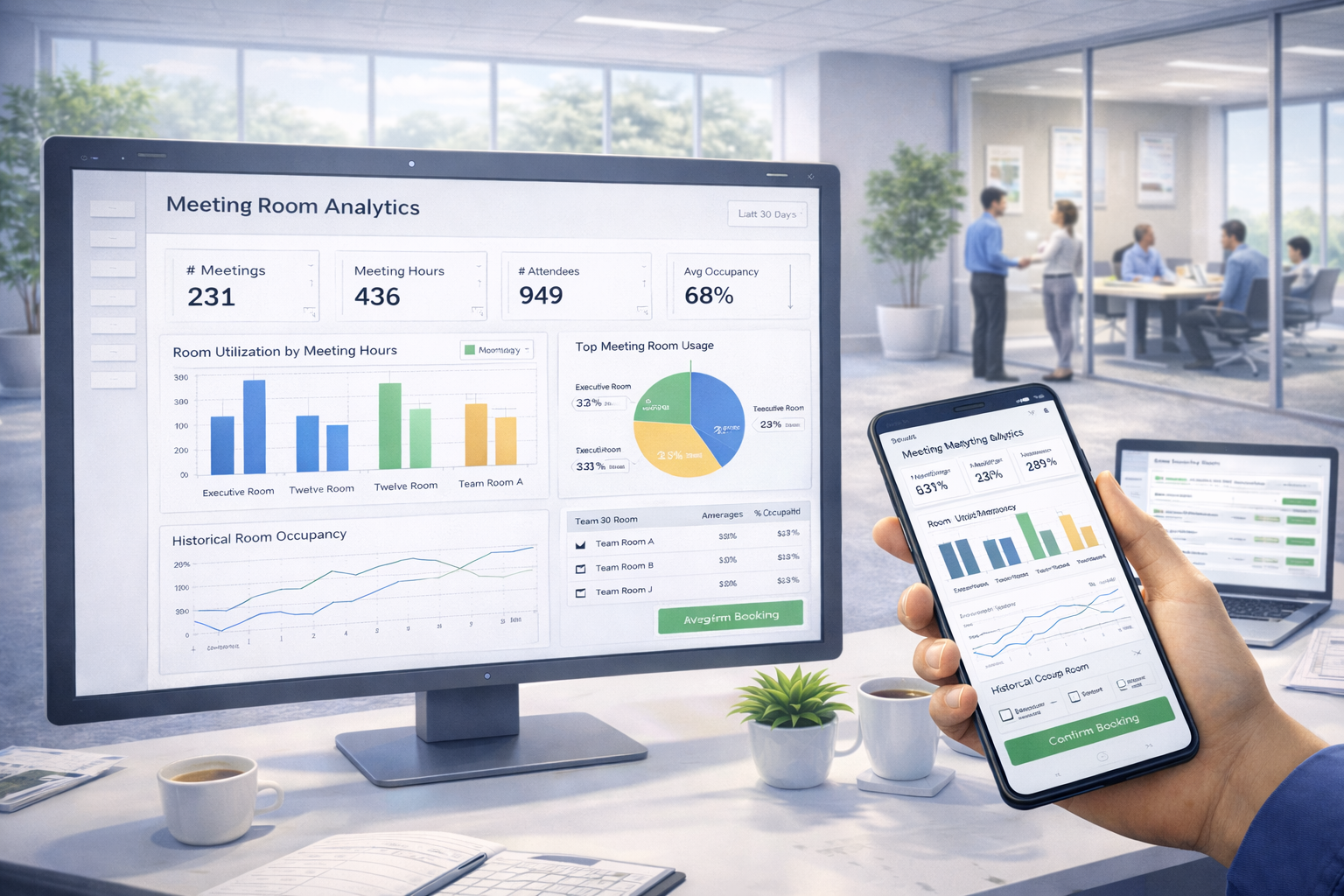
Room analytics help organizations understand historical room usage, capacity utilization, booking activity, and meeting demand across the workplace.
With daily, weekly, and monthly room views, plus standard and configurable reporting, teams can reduce underused rooms, improve planning, and support smarter workplace design.
How Conference Room Scheduling Works
CadapultFM helps organizations manage room bookings through a simple workflow that improves booking ease, meeting planning, and room utilization visibility.
1. Search Availability
Users search for rooms based on time, location, capacity, and meeting requirements.
2. Choose the Right Room
Select the best room using floor plans, room details, availability views, and capacity information.
3. Add Services & Setup
Include catering, AV, room layouts, setup times, and other special requirements during booking.
4. Reserve Instantly
Confirm one-time or recurring reservations in real time while reducing scheduling conflicts.
5. Notify & Coordinate
Use automated notifications, Outlook integration, and approval workflows to keep meetings aligned.
6. Analyze & Optimize
Use room usage, scheduling, and capacity data to improve meeting space strategy over time.
Ready to simplify conference room scheduling?
See how CadapultFM helps you manage room booking, services, and meeting space utilization more efficiently.
Schedule a consultation to explore room scheduling, floor plan integration, approvals, Outlook connectivity, and utilization reporting.