QR Workflows
Scan. Act. Resolve. Anywhere.
CadapultFM QR Workflows connect physical spaces and assets directly to digital actions across maintenance, asset management, reservations, and floor plan access.
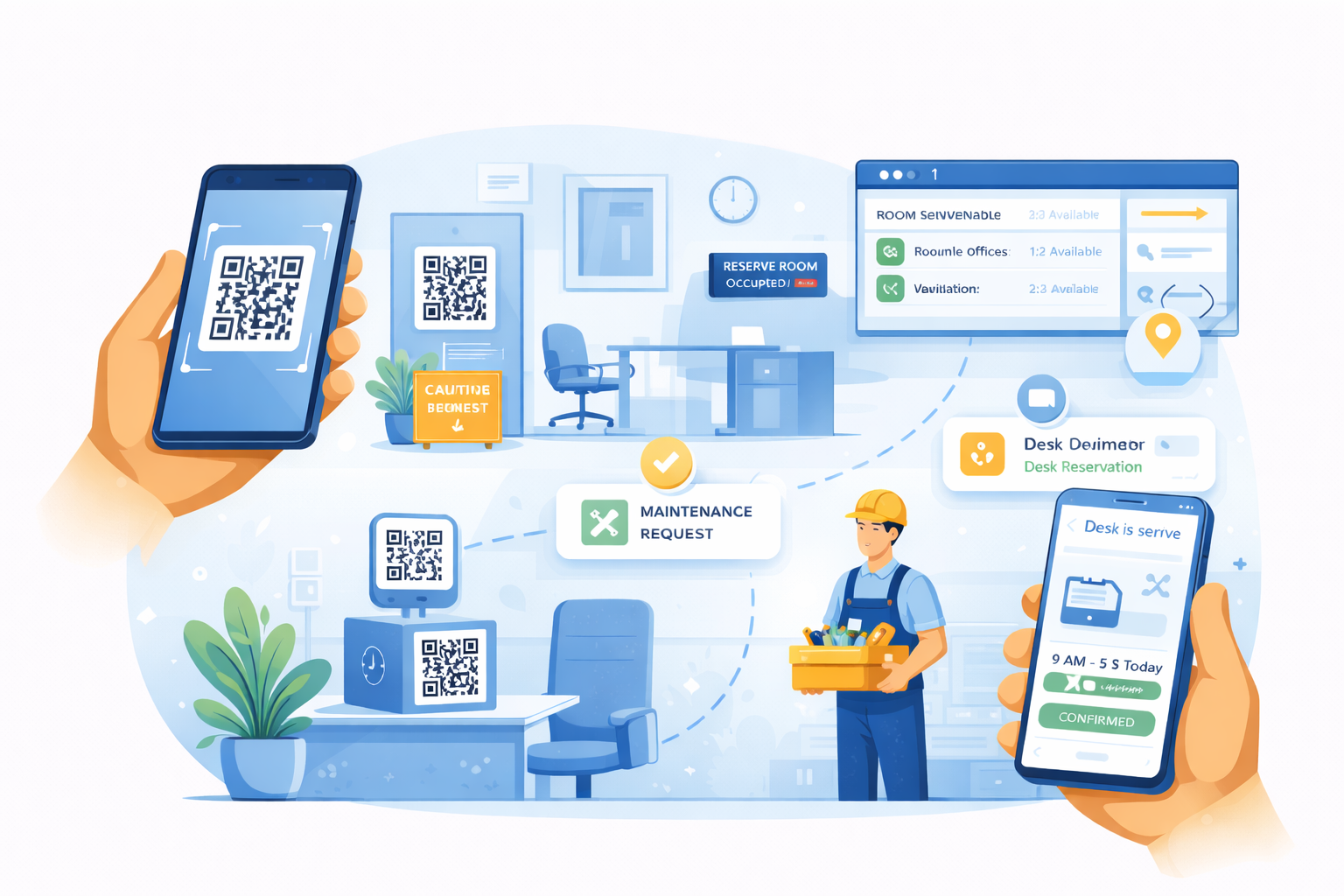
Smarter Facilities Management Through QR Access
CADapultFM helps teams connect physical spaces and equipment directly to digital workflows in seconds. Place a QR code at a restroom, desk, conference room, asset, or service location, and users can instantly take the right action from their mobile device.
Faster Request Intake
Let users launch the right workflow instantly without searching through menus or forms.
Better Location Accuracy
Use QR codes to connect requests and actions to the correct room, asset, or workspace automatically.
Mobile-First Experience
Support real-time action from phones and tablets across the workplace.
Less Friction
Reduce steps for maintenance reporting, reservations, room access, and asset visibility.
Core QR Capabilities
Each QR code can launch a specific experience tailored to maintenance, assets, reservations, or floor plan access.
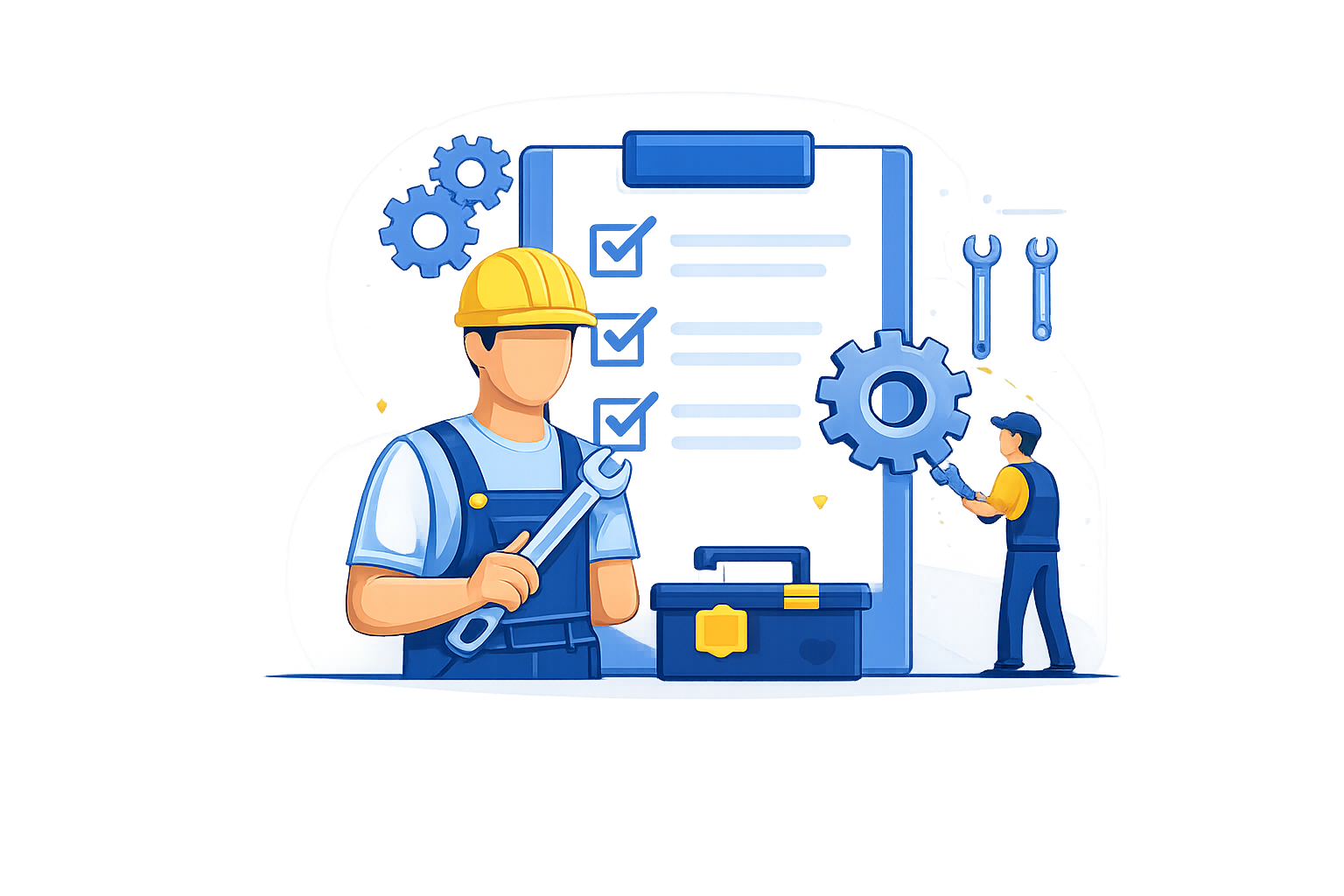
Maintenance Requests
Turn every facility location into a service request entry point.
Users can scan a QR code anywhere in the facility to instantly submit maintenance requests with automatic location tracking and mobile-friendly issue reporting.
This helps teams capture issues faster, improve routing accuracy, and reduce friction in the request process.
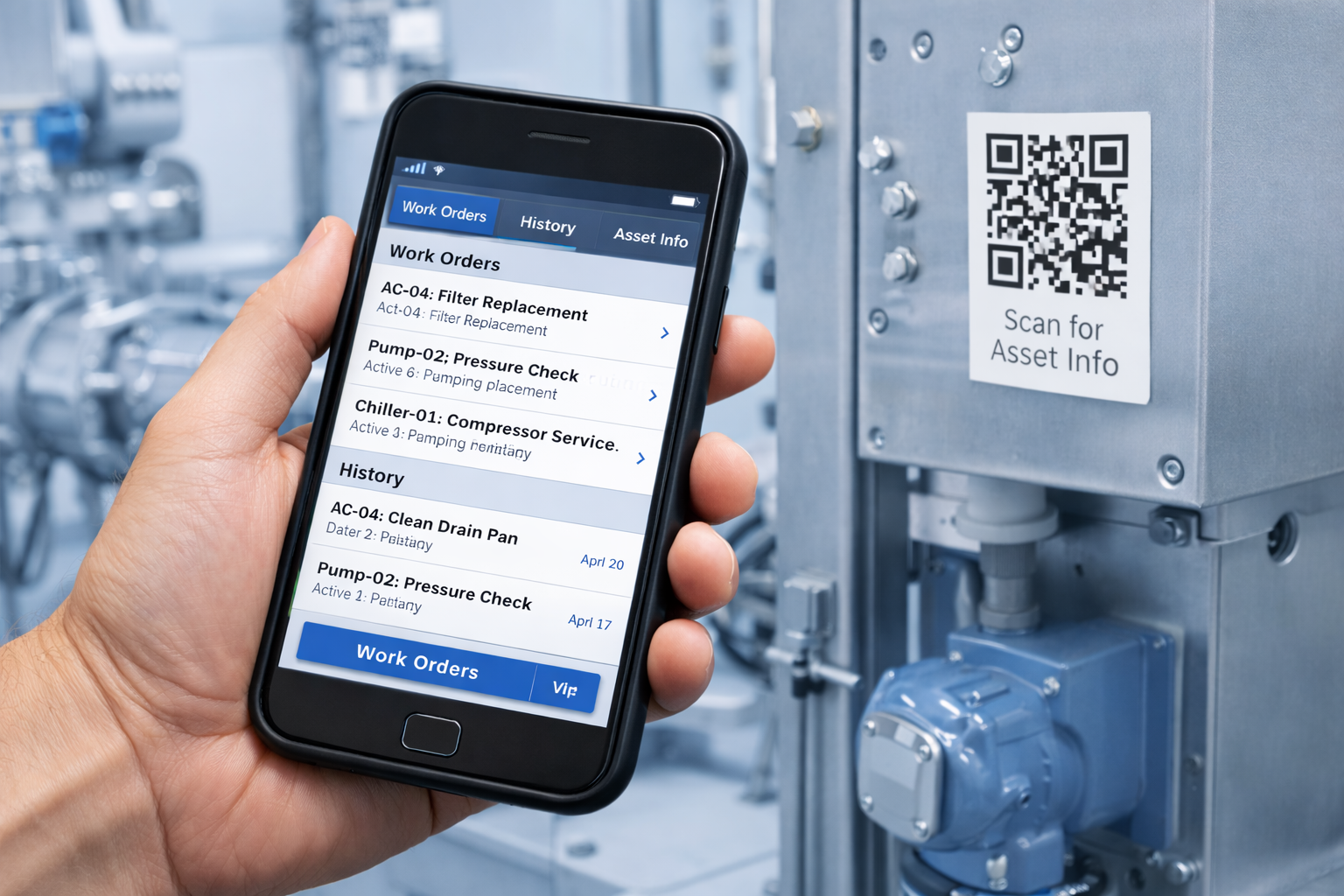
Asset Intelligence
Bring work order visibility directly to the equipment.
Scan equipment QR codes to view active work orders, maintenance history, and asset details instantly.
This gives technicians better context in the field and helps staff access relevant information faster.
Workplace Reservations
Reserve the right space, confirm availability, or switch on the spot.
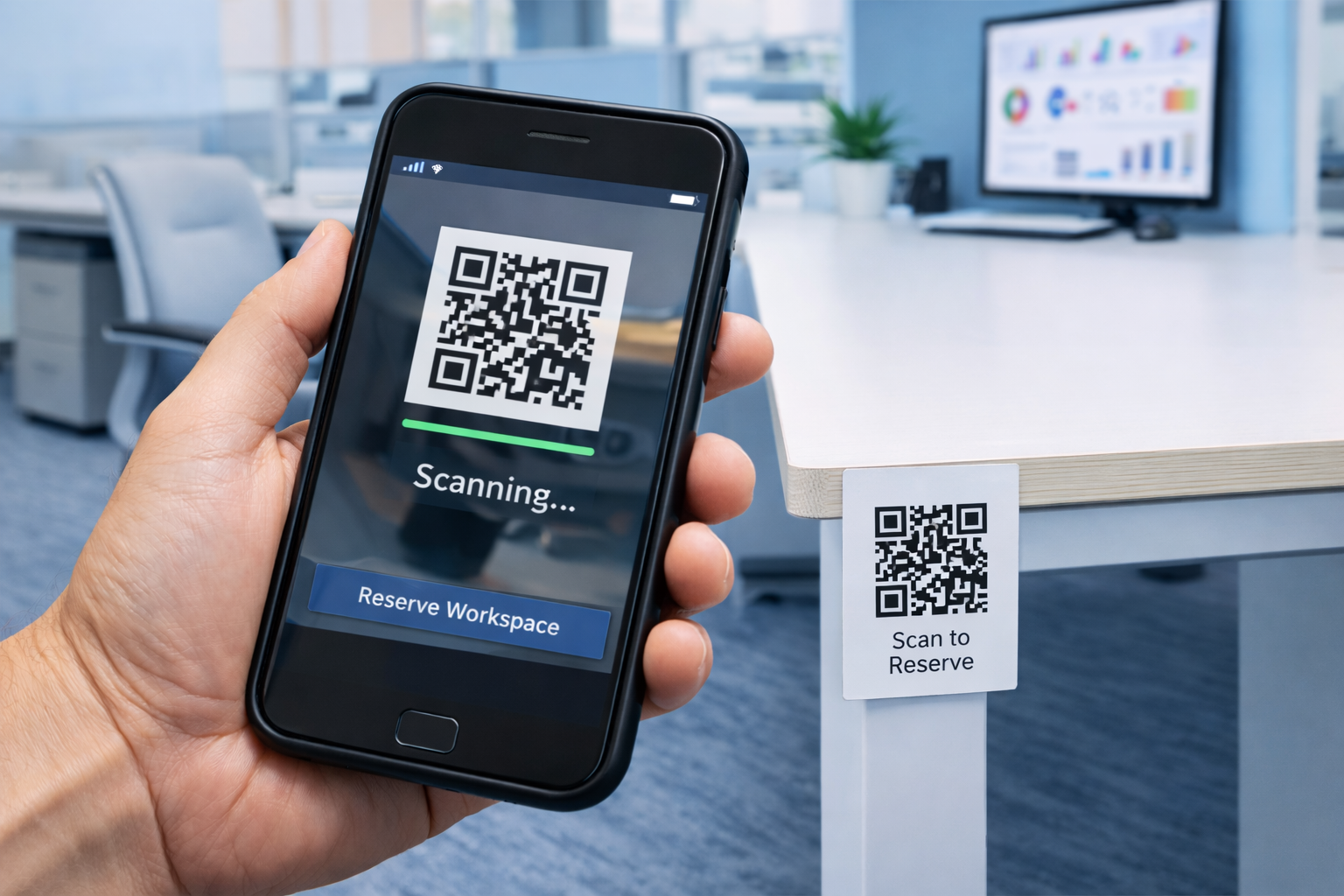
Users can scan a desk or room QR code to reserve the space, check whether it is available, or switch to another available location in seconds.
QR-based reservations help simplify workplace booking and reduce friction across desks and meeting spaces.
Conference Room Scheduling
Scan a room QR code to check availability and reserve immediately.
Conference room QR codes make it easy for employees to interact with rooms in real time. Users can scan the code at the room, see live availability, and reserve it immediately if it is open.
This supports faster room booking and better use of shared meeting spaces.
How QR Workflows Work
CadapultFM makes it easy to connect physical locations and assets to digital actions through a simple QR workflow.
1. Generate
Create QR codes for assets, spaces, rooms, or locations using CadapultFM admin tools.
2. Deploy
Print and place QR labels on equipment, desks, rooms, or facility locations.
3. Scan
Users scan the QR code from a phone or tablet to open the correct workflow instantly.
4. Act
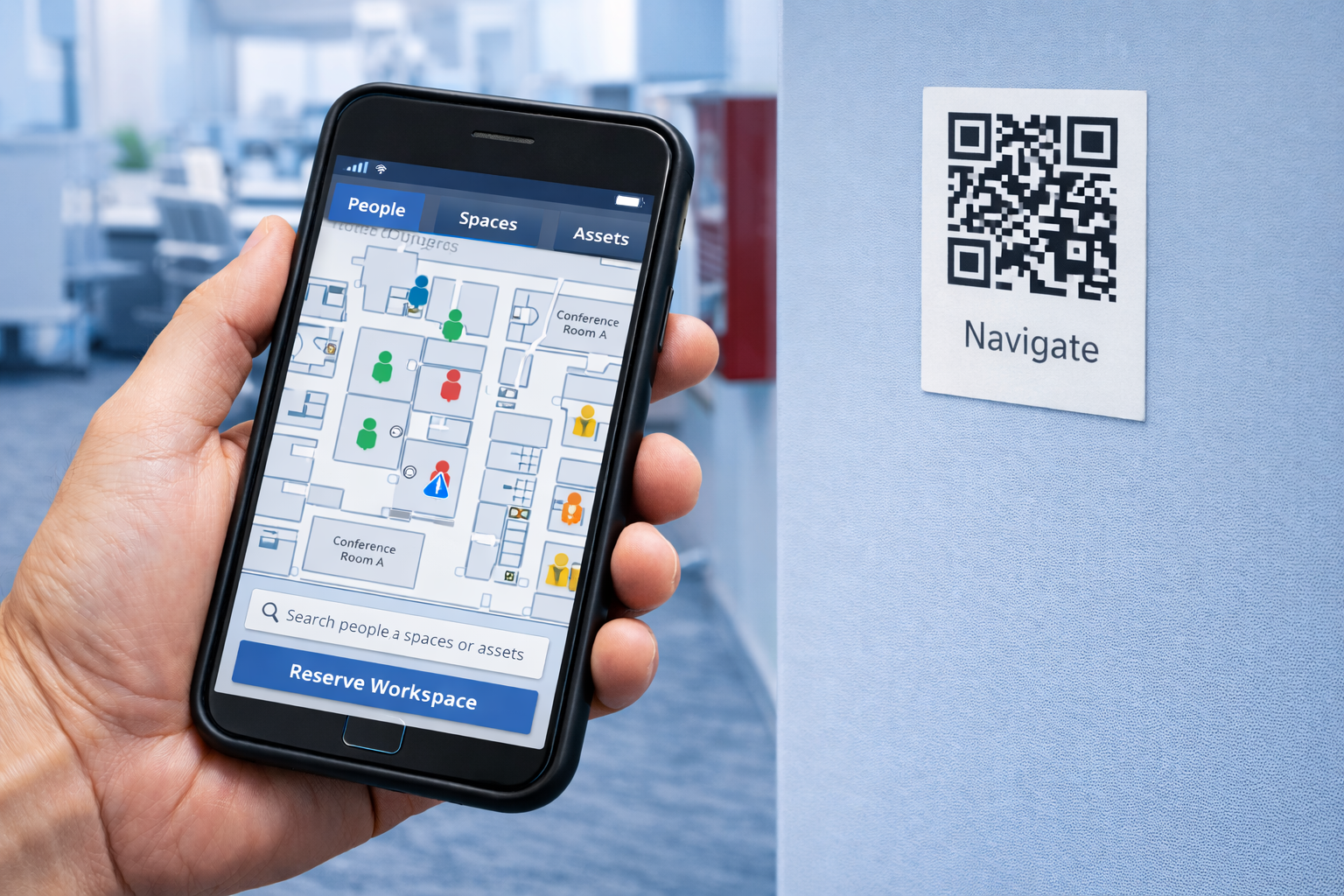
Submit requests, reserve spaces, access asset details, or open floor plan information in seconds.
5. Route
Actions are directed into the right maintenance, reservation, or asset workflow with better context.
6. Resolve
Teams gain faster visibility, better location accuracy, and smoother operational workflows.
Ready to connect spaces and assets to digital workflows?
See how CadapultFM QR Workflows help simplify requests, reservations, and asset access.
Schedule a consultation to explore QR-based maintenance requests, asset visibility, reservations, and floor plan access.